
Wahoo KICKR Connection Problems: CORE 2 Dropouts and Wrong Ride Data
KICKR CORE 2 disconnecting, or KICKR 2020 showing missing speed, low cadence or odd watts? Use this symptom-led connection and data checklist.
Published
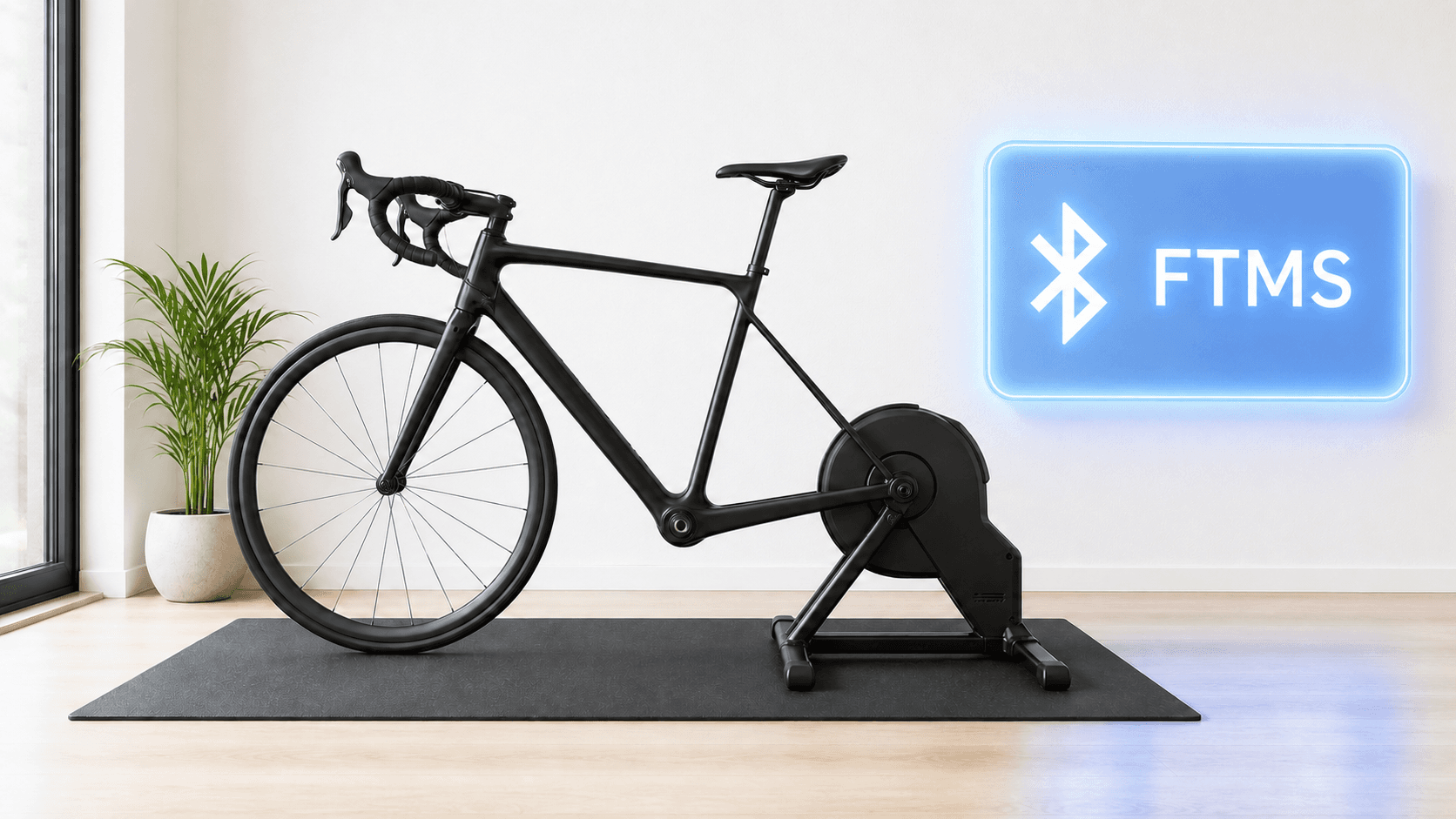
A KICKR CORE 2 that disconnects several times before every ride is a different problem from a trainer that stays paired but reports no speed, a very low cadence or strange power. Start by deciding which symptom you have. That saves time when you are already late for a ride.
One model detail matters: KICKR 2020 is the KICKR v5, not the KICKR CORE 2. Wahoo lists them as separate products. The connection and missing-data checks below apply to KICKR and CORE, but model-specific firmware and features should be checked against your trainer's label.
Match the symptom to the first check
| What you see | First check | Next useful test |
|---|---|---|
| CORE 2 drops out before each ride | Close apps or devices that may hold a trainer connection | Power cycle once and pair only in the Wahoo app |
| Trainer shows connected but no speed, cadence or power | Check the app's sensor roles and whether another app is controlling it | Follow Wahoo's connected-but-no-data flow |
| Watts or cadence look implausible | Confirm the exact model, firmware and data source | Compare an easy, steady effort in the Wahoo app |
| Resistance seems stuck at one target | Check whether the app is in ERG mode or still set to a workout target | Test a simple resistance change in the Wahoo app |
| Zwift Click shifts stop working | Check Click battery, firmware and pairing under Controls | Pair the supported trainer over Bluetooth or another supported method, not ANT+ |
- What you see
- CORE 2 drops out before each ride
- First check
- Close apps or devices that may hold a trainer connection
- Next useful test
- Power cycle once and pair only in the Wahoo app
- What you see
- Trainer shows connected but no speed, cadence or power
- First check
- Check the app's sensor roles and whether another app is controlling it
- Next useful test
- Follow Wahoo's connected-but-no-data flow
- What you see
- Watts or cadence look implausible
- First check
- Confirm the exact model, firmware and data source
- Next useful test
- Compare an easy, steady effort in the Wahoo app
- What you see
- Resistance seems stuck at one target
- First check
- Check whether the app is in ERG mode or still set to a workout target
- Next useful test
- Test a simple resistance change in the Wahoo app
- What you see
- Zwift Click shifts stop working
- First check
- Check Click battery, firmware and pairing under Controls
- Next useful test
- Pair the supported trainer over Bluetooth or another supported method, not ANT+
If your CORE 2 keeps disconnecting before a ride
Wahoo's connection guide starts with closing all other apps and turning off nearby devices that might communicate with the trainer. Some KICKRs can maintain multiple Bluetooth links, but Wahoo says only one app or device should control the trainer at a time. A second phone app or a cycling computer can make a clean test hard to interpret.
Unplug the trainer for 30 to 35 seconds, then reopen only the app you want to test. Wahoo gives this reset interval in its missing-data guide. Pair the trainer inside the app rather than assuming that an operating-system Bluetooth listing is enough. If it drops out again, close the riding app and test a connection in the Wahoo app. Check for firmware updates there, then close that app before returning to your ride app.
A CORE 2 can use Wi-Fi in supported apps, but do not switch protocols at random during the same test. Record whether a dropout happens on Bluetooth, Wi-Fi, or both, and whether it happens in the Wahoo app. That record is more useful to support than “I restarted the PC five times.” Wahoo's connection guide gives the full signal checks if the simple isolation test fails.
If it stays connected but the numbers are wrong
A connected badge only means the app sees a link. Wahoo has a separate guide for a KICKR that is connected but sends no speed, cadence or power. The first steps are again to remove competing apps, power cycle, try the Wahoo app and check firmware. Do those before assuming the resistance unit is defective.
In Zwift, check that the KICKR is selected as Power Source and Resistance where you want trainer control. Avoid a mixed test where one power meter supplies watts, the KICKR controls resistance, and another connection supplies cadence. If you normally use Bluetooth and ANT+ devices, simplify to one clear trainer connection for a diagnostic ride, then add other sensors back one at a time.
If watts appear frozen at a figure such as 96 W, check whether a workout is holding an ERG target. Then test a gentle change in the Wahoo app. If power or cadence still makes no sense there, follow Wahoo's power-data guide and contact support. A single low cadence value does not identify a bad trainer by itself; note your actual pedaling rate and whether the displayed number is repeatably wrong.
If only Zwift virtual shifting fails
That is a separate path from missing trainer data. Zwift says Click needs current firmware, a healthy battery and pairing under Controls. Zwift's virtual-shifting support does not use ANT+ for the trainer link. If normal power and resistance work but Click does not, use Zwift's Click connection guide rather than resetting every sensor in the room.
When to stop and ask Wahoo
Contact Wahoo if the same disconnect or data fault repeats in its own app after the official connection and firmware checks. Include your exact model, serial number, firmware version, app and connection method, when the fault occurs, and what the Wahoo app showed. If the bike moves oddly or touches the trainer where it should not, stop riding and check physical fit before further tests.
When MINI WATT fits
Once the trainer provides stable data and control, MINI WATT can use a Bluetooth FTMS KICKR for focused ERG workouts and real route rides on Mac or Windows. Check the FTMS setup guide, then test an easy session. An app change is useful only after the hardware and connection work.
When MINI WATT is not the right fit
MINI WATT cannot fix a trainer that drops its Bluetooth connection in the Wahoo app, reports bad sensor data there, or has a physical fault. It also does not replace Zwift's social rides or races.
Action plan: Isolate a KICKR problem in 5 steps
- 1
Identify the exact model from Wahoo's model label and write down the symptom.
- 2
Close other trainer apps and devices, power cycle for 30 to 35 seconds, then pair once.
- 3
Test the same symptom in the Wahoo app and check the model's firmware.
- 4
In your ride app, use one clear power and resistance path for an easy test ride.
- 5
If the fault repeats, send Wahoo the model, serial number, firmware, connection method and test result.
Common mistakes
Restarting the PC repeatedly without isolating the trainer
Test in Wahoo's app to separate app and trainer behavior.
Letting two apps control resistance
Close the unused app during diagnosis.
Calling KICKR 2020 a CORE 2
Check the model label for the right firmware instructions.
Treating a connected badge as complete pairing
Confirm power, resistance and cadence roles.
Assuming a fixed watt reading proves a hardware fault
First check ERG mode and the active target.
Continuing a ride with unsafe bike movement
Stop and check frame and adapter fit.
FAQ
Why does my KICKR CORE 2 disconnect every time I start a ride?
Several causes are possible, including competing app connections or a trainer connection issue. Close other apps, power cycle once and test in the Wahoo app before asking Wahoo support.
How long should I unplug a KICKR to reset it?
Wahoo's missing-data guide says 30 to 35 seconds.
Can two apps connect to my KICKR at once?
Some models support multiple Bluetooth links, but Wahoo says only one app or device should control the trainer at a time.
Is KICKR 2020 the same as KICKR CORE 2?
No. Wahoo identifies KICKR 2020 as KICKR v5 and lists CORE 2 separately.
Why is my KICKR connected but showing no power or speed?
Wahoo has a specific connected-but-no-data checklist. Start with competing apps, a power cycle, a Wahoo app test and firmware.
Why does my cadence suddenly look too low?
One low number cannot identify the cause. Confirm the cadence source, observe your actual pedaling and check whether the odd reading appears in Wahoo's app too.
Why does my KICKR appear stuck at one watt value?
First check whether a workout is using ERG mode at a fixed target. If the Wahoo app also cannot change resistance or reports implausible data, use Wahoo's support flow.
Should I connect both Bluetooth and ANT+ while troubleshooting?
For a clean diagnosis, use one clear trainer connection and data source. Add other connections only after that works.
Why will Zwift Click not shift even though the trainer is paired?
Click has its own battery, firmware and Controls pairing. Zwift says ANT+ trainer pairing does not support its virtual shifting.
Will switching to MINI WATT fix a KICKR dropout?
No app can promise that. Confirm a stable FTMS connection and sensible data first, ideally in Wahoo's app, then try MINI WATT on an easy ride.
Sources
- Wahoo Identify a KICKR trainer, accessed 2026-09-29
- Wahoo Cannot connect KICKR to an app or device, accessed 2026-09-29
- Wahoo KICKR is connected but no speed cadence or power data, accessed 2026-09-29
- Wahoo Set up your KICKR CORE smart trainer, accessed 2026-09-29
- Wahoo KICKR power data does not seem right, accessed 2026-09-29
- Zwift Connecting Your Devices for Cycling, accessed 2026-09-29
- Zwift Click Connection Issues, accessed 2026-09-29
- MINI WATT Download, accessed 2026-09-29
Related Articles
Best Budget Indoor Trainers For Structured Workouts
A practical buyer guide comparing Van Rysel D100, JetBlack Victory, Van Rysel D500, CYCPLUS R200, and Wahoo KICKR CORE 2 for structured workouts.
Bluetooth FTMS Explained: Will Your Smart Trainer Work With MINI WATT?
A plain-language Bluetooth FTMS explainer that separates a Bluetooth label from confirmed trainer control and gives riders a short MINI WATT compatibility check.
What Is Zwift Cog? The Single Sprocket and Virtual Shifting Explained
Explain Cog, Click, app-specific virtual shifting and MINI WATT Virtual Gears.