
Bluetooth FTMS Explained: Will Your Smart Trainer Work With MINI WATT?
Learn what Bluetooth FTMS means for a smart trainer, how it differs from Bluetooth alone, and how to check whether it can work with MINI WATT.
Published Updated
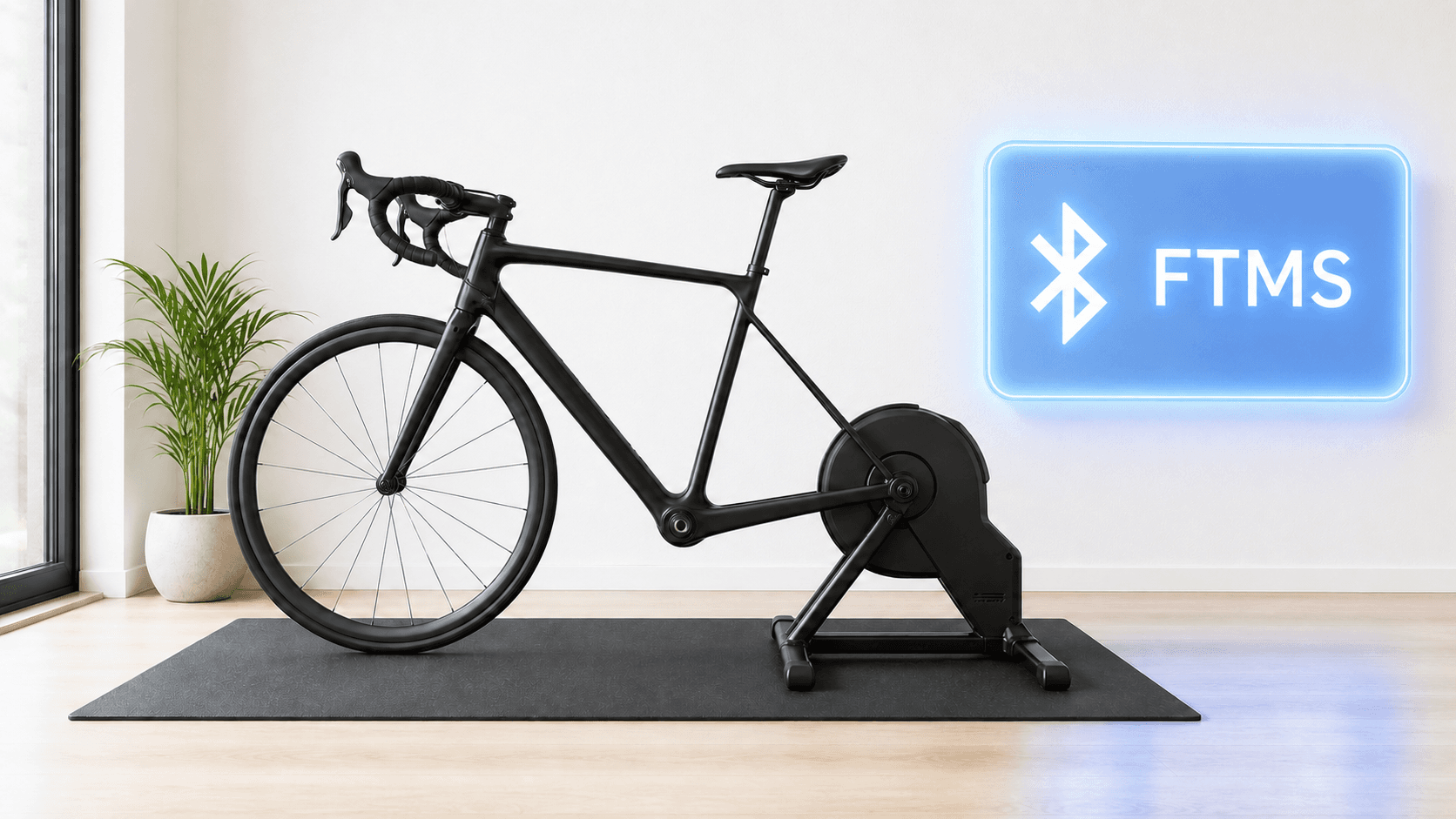
You find a smart trainer that says Bluetooth. Good start. But it does not yet answer the question that matters: can your indoor-cycling app actually control the resistance?
For MINI WATT, look for Bluetooth FTMS. It tells you the trainer can share ride data and accept control for ERG workouts and route resistance.
Bluetooth FTMS is the first compatibility check. Bluetooth on its own is not enough.
The simple answer
Bluetooth FTMS is short for Bluetooth Fitness Machine Service. It is a shared set of Bluetooth rules. It lets a trainer and an app share ride data and control the trainer.
In rider language, it gives the app a clear way to talk to the trainer. The trainer reports what is happening. The app can ask it to change resistance.
That is why FTMS matters more than the word Bluetooth alone. A device can use Bluetooth to send a reading without offering the trainer-control path MINI WATT needs.
| What you see in the spec | What it usually tells you | What it means for MINI WATT |
|---|---|---|
| Bluetooth | The device has a Bluetooth connection of some kind | Keep checking. This label alone does not confirm trainer control. |
| Bluetooth FTMS or FTMS smart trainer | The trainer lists Fitness Machine Service | This is the key thing to check for MINI WATT trainer control. |
| Bluetooth power or cadence sensor | The device can send a measurement | Useful as a separate sensor, but it does not by itself make a trainer controllable. |
| ANT+ FE-C with no Bluetooth FTMS listed | The trainer may use a different control system | Do not treat it as confirmed for MINI WATT. Check the exact trainer manual first. |
- What you see in the spec
- Bluetooth
- What it usually tells you
- The device has a Bluetooth connection of some kind
- What it means for MINI WATT
- Keep checking. This label alone does not confirm trainer control.
- What you see in the spec
- Bluetooth FTMS or FTMS smart trainer
- What it usually tells you
- The trainer lists Fitness Machine Service
- What it means for MINI WATT
- This is the key thing to check for MINI WATT trainer control.
- What you see in the spec
- Bluetooth power or cadence sensor
- What it usually tells you
- The device can send a measurement
- What it means for MINI WATT
- Useful as a separate sensor, but it does not by itself make a trainer controllable.
- What you see in the spec
- ANT+ FE-C with no Bluetooth FTMS listed
- What it usually tells you
- The trainer may use a different control system
- What it means for MINI WATT
- Do not treat it as confirmed for MINI WATT. Check the exact trainer manual first.
What FTMS does during an indoor ride
The short version is data out, instructions in.
Your trainer can send ride data such as speed, cadence, or power. The app can then use the controls that trainer supports.
For a MINI WATT workout, that control is [ERG mode](/blog/erg-mode-explained-smart-trainer). Pick a session and the app sends the target while the trainer changes resistance to help hold it. MINI WATT's workouts page describes this as automatic target hold with Bluetooth FTMS smart trainers.
For a route ride, the same trainer-control link is what lets MINI WATT apply gradient-based resistance. It is not a promise that your living room will feel exactly like a mountain road. It is the connection that lets the app ask the trainer to respond when the route changes.
How to check your trainer before you download
Do this before you compare apps or buy a trainer.
1. Find the maker's spec or manual
Search your exact trainer model plus FTMS. The model name matters. A product family can change its wireless features between generations.
Look for "Bluetooth FTMS," "FTMS," or "Fitness Machine Service" in the official spec, manual, or support page. A Bluetooth icon on its own is not enough.
2. Confirm that it is a controllable smart trainer
Some devices report power or cadence but cannot change resistance. You need the trainer that changes resistance, not just a sensor that sends a number.
If you are buying a trainer, use the smart trainer comparison to narrow the list. Then check the maker's current manual before you order.
3. Check the setup you will actually use
Update the trainer software and make sure it is ready to pair over Bluetooth. If you use a special cassette, virtual shifting, an adapter, or an older Mac, check those details too. FTMS answers the control question. It does not answer every bike-fit question.
4. Test with a gentle first ride
After you install MINI WATT, start with an easy workout rather than a maximum-effort interval. Confirm that the trainer appears, the ride data looks sensible, and the resistance changes when the target changes. Then you can trust the setup more on a hard day.
Do you need FTMS for every MINI WATT ride?
If you want MINI WATT to control your trainer, yes, Bluetooth FTMS is the requirement to check.
You can use separate Bluetooth sensors for heart rate, cadence, or power where they suit your setup. Those do not replace the trainer's own Bluetooth FTMS connection when you want ERG targets or route resistance.
This matters when things do not work. Your power meter may be connected while the trainer still cannot be controlled.
Bluetooth, FTMS, and ANT+ FE-C do different jobs
Trainer pages often list several wireless terms together. They do not mean the same thing.
Bluetooth is the wireless connection. FTMS is the Bluetooth part that matters for MINI WATT trainer control. ANT+ FE-C is another control system you may see in the specs. MINI WATT works with Bluetooth FTMS smart trainers.
This is why the cleanest question is not “Does it have Bluetooth?” Ask: “Does this exact trainer list Bluetooth FTMS?”
When MINI WATT fits
MINI WATT fits riders with a Bluetooth FTMS smart trainer who want structured ERG workouts, real routes, and a small ride display. It is a good fit when you want the trainer to hold the target while the rest of your screen stays yours.
When MINI WATT is not the right fit
MINI WATT is not the right fit if your trainer has no confirmed Bluetooth FTMS support. It is also not the right fit if you mainly want a social world, mass events, or avatar racing. Check the exact hardware first.
Action plan: Check your trainer in 4 steps
- 1
Find the exact model: Use the full product name, not only the trainer family name.
- 2
Look for FTMS: Check the official spec or manual for Bluetooth FTMS or Fitness Machine Service.
- 3
Check the whole setup: Check trainer software, bike fit, cassette or virtual-shifting details, and your Mac requirements.
- 4
Run an easy test: Connect, start a low-stress workout, and confirm that resistance responds before your first serious interval session.
Common mistakes
Assuming Bluetooth means control
Bluetooth is a connection method. Look specifically for Bluetooth FTMS.
Checking only a shop title
A shop can shorten or leave out the wireless spec. Use the maker's current manual or support page when you can.
Mixing up a sensor and a smart trainer
A Bluetooth power meter can report watts, but it cannot make your trainer hold an ERG target.
Ignoring the exact model
Wireless support can differ between trainer generations and bundles.
Treating FTMS as a full guarantee
FTMS is the right start, but test your exact trainer and setup with an easy ride.
Starting with a hard interval
Test the connection at an easy target first so you can focus on setup rather than surviving the workout.
FAQ
What does FTMS stand for on a smart trainer?
FTMS stands for Fitness Machine Service. It is a Bluetooth service for ride data and trainer control.
Do I need Bluetooth FTMS to use MINI WATT?
You need to check for Bluetooth FTMS if you want MINI WATT to control your smart trainer for ERG workouts or route resistance.
Is Bluetooth FTMS the same as ordinary Bluetooth?
No. Bluetooth is the wireless connection. FTMS is the Bluetooth service that lets a compatible trainer share data and accept control.
Will any Bluetooth trainer work with MINI WATT?
Do not assume so. Check that the exact trainer lists Bluetooth FTMS, then test the current setup with an easy first ride.
Can I use a Bluetooth power meter instead of an FTMS trainer?
A power meter can provide useful power data, but it does not replace a Bluetooth FTMS smart trainer when you want MINI WATT to control resistance.
What if my trainer lists ANT+ FE-C but not Bluetooth FTMS?
Do not treat it as confirmed for MINI WATT. MINI WATT works with Bluetooth FTMS smart trainers, so check the exact trainer manual first.
Where can I find the FTMS spec for my trainer?
Start with the official product page, user manual, or support page. Search the exact model name with “FTMS” if the main page is unclear.
Does FTMS make ERG mode possible?
For MINI WATT, Bluetooth FTMS is the trainer-control requirement to check for automatic ERG targets. Your trainer must still be paired and working correctly.
Can FTMS help MINI WATT simulate route gradients?
MINI WATT uses Bluetooth FTMS smart trainers for route rides with gradient-based resistance. The trainer's own capabilities and setup still affect the experience.
Is MINI WATT available for Windows?
Yes. The official download page lists the current MINI WATT release for macOS and 64-bit Windows PCs.
Sources
- Bluetooth SIG: Fitness Machine Service 1.0, accessed 2026-07-27
- MINI WATT homepage, accessed 2026-07-27
- MINI WATT Workouts, accessed 2026-07-27
- Download MINI WATT, accessed 2026-07-27
Related Articles
Best Budget Indoor Trainers For Structured Workouts
A practical buyer guide comparing Van Rysel D100, JetBlack Victory, Van Rysel D500, CYCPLUS R200, and Wahoo KICKR CORE 2 for structured workouts.
What Is Zwift Cog? The Single Sprocket and Virtual Shifting Explained
Explain Cog, Click, app-specific virtual shifting and MINI WATT Virtual Gears.
Will Zwift Cog Work on My Bike? Check Chain, Trainer and Axle
Bike, trainer, chain, freehub, axle and frame compatibility checklist.