
Will Zwift Cog Work on My Bike? Check Chain, Trainer and Axle
Use this Zwift Cog compatibility checklist to check your chain, trainer model, freehub, frame and rear axle before buying a Cog or trainer bundle.
Published
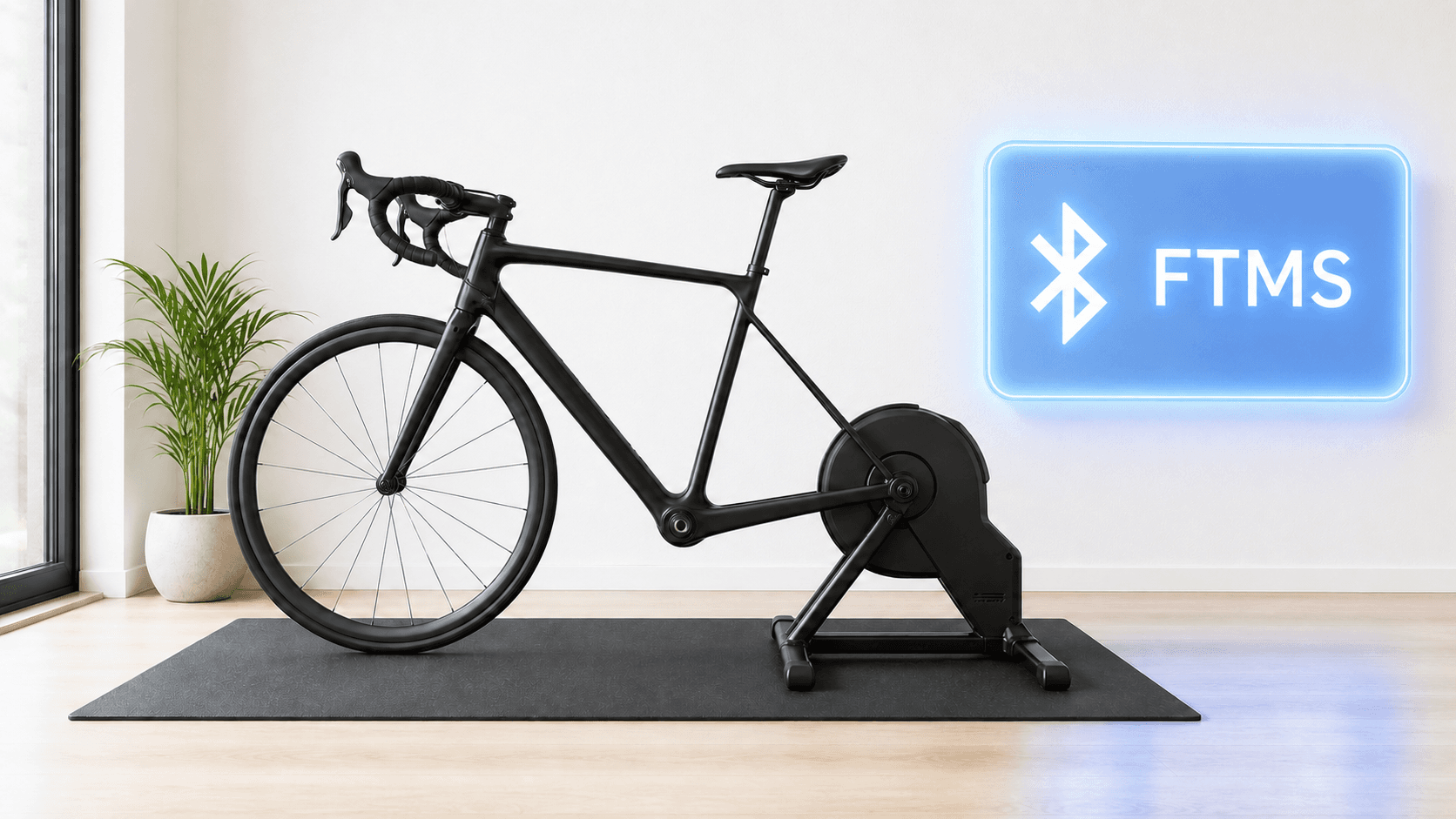
Will Zwift Cog work on your bike? Usually, if it has a standard 8 to 13 speed chain and fits a supported direct drive trainer. But the chain is only the first check. The trainer model, Cog installation, rear axle and frame must also fit.
Count a setup as compatible only after the bike and the exact trainer pass separate checks.
The five checks that decide compatibility
Use this order before ordering. A bike model name alone is rarely enough because builds can use different drivetrains or axle standards.
| Check | Likely pass | Pause or stop when |
|---|---|---|
| Chain and drivetrain | Standard 8 to 13 speed chain or supported SRAM Flattop | Belt drive, internal gear hub or Campagnolo Ekar 13-speed chain |
| Trainer model | Exact model appears on Zwift's Ready or Cog Compatible list | Product family sounds similar but generation is absent |
| Freehub and Cog kit | Kit matches the trainer's supported freehub setup | Upgrade would go on excluded Micro Spline, XD/XDR or Campagnolo freehub body |
| Rear axle and adapters | Bike's axle standard matches the trainer with correct adapters | Width, axle type or adapter is unknown |
| Frame clearance | Bike mounts squarely and no unintended part touches the trainer | Frame rubs, rocks, or has a maker-listed exception |
- Check
- Chain and drivetrain
- Likely pass
- Standard 8 to 13 speed chain or supported SRAM Flattop
- Pause or stop when
- Belt drive, internal gear hub or Campagnolo Ekar 13-speed chain
- Check
- Trainer model
- Likely pass
- Exact model appears on Zwift's Ready or Cog Compatible list
- Pause or stop when
- Product family sounds similar but generation is absent
- Check
- Freehub and Cog kit
- Likely pass
- Kit matches the trainer's supported freehub setup
- Pause or stop when
- Upgrade would go on excluded Micro Spline, XD/XDR or Campagnolo freehub body
- Check
- Rear axle and adapters
- Likely pass
- Bike's axle standard matches the trainer with correct adapters
- Pause or stop when
- Width, axle type or adapter is unknown
- Check
- Frame clearance
- Likely pass
- Bike mounts squarely and no unintended part touches the trainer
- Pause or stop when
- Frame rubs, rocks, or has a maker-listed exception
1. Check the chain, not just the gear count
Zwift's FAQ says most standard 8 to 13 speed chains work with Cog, and it includes SRAM Flattop. It explicitly excludes belt-driven bikes, internal gear hubs such as Shimano Alfine or Nexus, and the Campagnolo Ekar 13-speed chain.
A seven-speed bike does not pass Zwift's stated 8 to 13 speed range. Do not assume an anecdote about a seven-speed bike makes your setup supported. Check with Zwift and the trainer maker before buying.
2. Match the exact trainer generation
Zwift separates Zwift Ready trainers, sold with Cog and Click, from Zwift Cog Compatible trainers that can use an upgrade kit and current firmware. The list names exact models and sometimes narrows by generation. “Wahoo KICKR” alone is not a precise compatibility answer.
The trainer can also work with Zwift on a normal cassette without supporting Cog virtual shifting. Read the Zwift Cog explainer if those two questions are getting mixed up.
3. Check the freehub before buying an upgrade kit
Zwift lists Shimano Micro Spline, SRAM XD/XDR and Campagnolo freehub bodies as incompatible with the Cog upgrade setup in its trainer list. The freehub is the part of the trainer on which a cassette or Cog mounts. A bike with an XD cassette on its outdoor wheel does not automatically make every trainer setup impossible, but it is a sign to check the exact freehub and kit with the maker.
4. Match the bike's axle to the trainer
The bike's rear wheel comes off for a direct drive trainer. Your rear dropouts need to sit on the trainer's adapters with the correct quick release or thru axle. For example, Wahoo's CORE and CORE 2 frame page lists 130/135 mm quick release and 12x142/148 mm thru axle as supported standards with the right adapters. It also lists incompatible and conditional frame models.
Those Wahoo numbers are not a rule for every trainer. Use the exact trainer maker's fit chart. If the width or axle type is unclear, identify it before ordering rather than improvising spacers.
5. Inspect frame clearance before pedaling
After a bike is mounted, Wahoo says to confirm it is secure and square at the intended contact points, with no frame contact against moving trainer parts. Stop if there is excess movement, rubbing or an abnormal sound. Wahoo discourages grinding parts or adding improvised washers to force a fit.
What about MINI WATT with Zwift Cog?
MINI WATT's routes page says its own Virtual Gears mode supports Zwift Cog. That is a separate app feature from Zwift's Click-controlled shifting. To let MINI WATT control the trainer, also check the Bluetooth FTMS requirement. A physical bike fit check still comes first.
When MINI WATT fits
It fits riders who have a compatible bike, Cog and Bluetooth FTMS trainer and want focused workouts or real route riding on Mac or Windows. Test the connection and gearing on an easy first ride.
When MINI WATT is not the right fit
It cannot make an incompatible chain, freehub, axle or frame safe. It is also not the app for riders whose main reason to ride is Zwift racing or social events.
Action plan: Check your bike in 5 steps
- 1
Write down the bike's chain type, number of rear speeds and rear axle standard.
- 2
Find the exact trainer model and generation on Zwift's current compatibility list.
- 3
Check the Cog kit and freehub combination with the trainer maker.
- 4
Follow the trainer's adapter chart and mount the bike without forcing parts.
- 5
Inspect clearance, then test an easy ride and stop if rubbing or movement appears.
Common mistakes
Checking only the number of speeds
Axle, trainer, freehub and frame matter too.
Treating a similar trainer name as a match
Check the exact generation.
Confusing the outdoor cassette with the trainer freehub
The upgrade kit mounts on the trainer.
Using random spacers
Follow the trainer maker's adapter instructions.
Riding through frame rub
Stop and have the setup inspected.
Assuming Click works in every app
Supported virtual controls depend on the riding app.
FAQ
Will Zwift Cog work with an eight-speed bike?
Zwift includes most standard eight-speed chains in its supported range. You still need trainer, axle and frame fit.
Will Zwift Cog work with a 12-speed bike?
Many standard 12-speed chains are in Zwift's stated range, including SRAM Flattop. Check the exact chain and trainer setup.
Will Zwift Cog work with a 13-speed bike?
Zwift says most standard 13-speed chains work, but excludes Campagnolo Ekar 13-speed.
Will Zwift Cog work with a seven-speed bike?
Seven-speed is outside Zwift's stated 8 to 13 speed range. Ask Zwift and the trainer maker about your exact setup.
Can I use a belt-drive bike with Zwift Cog?
No. Zwift lists belt drives as incompatible.
Can I use Shimano Alfine or Nexus with Zwift Cog?
Zwift lists internal gear hubs, including Alfine and Nexus, as incompatible.
Does a compatible chain guarantee that the bike fits?
No. The rear axle, adapters, frame clearance, freehub and trainer model need separate checks.
Will my Wahoo KICKR CORE fit any bike with Zwift Cog?
No. Wahoo lists supported axle standards and known frame exceptions for CORE and CORE 2.
Can I put a Zwift Cog upgrade on an XD/XDR freehub?
Zwift's current upgrade compatibility page excludes XD/XDR freehub bodies. Confirm the exact trainer setup before ordering.
Does MINI WATT work with a bike mounted on Zwift Cog?
MINI WATT's route page lists its own Virtual Gears with Zwift Cog. The trainer must also support Bluetooth FTMS and the bike must fit safely.
Sources
- Zwift Cog and Click FAQ, accessed 2026-09-29
- Zwift Ready and Zwift Cog Compatible Trainers, accessed 2026-09-29
- Wahoo Bicycle Frame Compatibility CORE, accessed 2026-09-29
- Wahoo My bike does not fit on the CORE, accessed 2026-09-29
- MINI WATT Routes, accessed 2026-09-29
Related Articles
Best Budget Indoor Trainers For Structured Workouts
A practical buyer guide comparing Van Rysel D100, JetBlack Victory, Van Rysel D500, CYCPLUS R200, and Wahoo KICKR CORE 2 for structured workouts.
Bluetooth FTMS Explained: Will Your Smart Trainer Work With MINI WATT?
A plain-language Bluetooth FTMS explainer that separates a Bluetooth label from confirmed trainer control and gives riders a short MINI WATT compatibility check.
What Is Zwift Cog? The Single Sprocket and Virtual Shifting Explained
Explain Cog, Click, app-specific virtual shifting and MINI WATT Virtual Gears.