
What Is Zwift Cog? The Single Sprocket and Virtual Shifting Explained
Zwift Cog replaces a trainer cassette with one sprocket. Learn what Click does, how virtual shifting works, and what to check for other apps.
Published
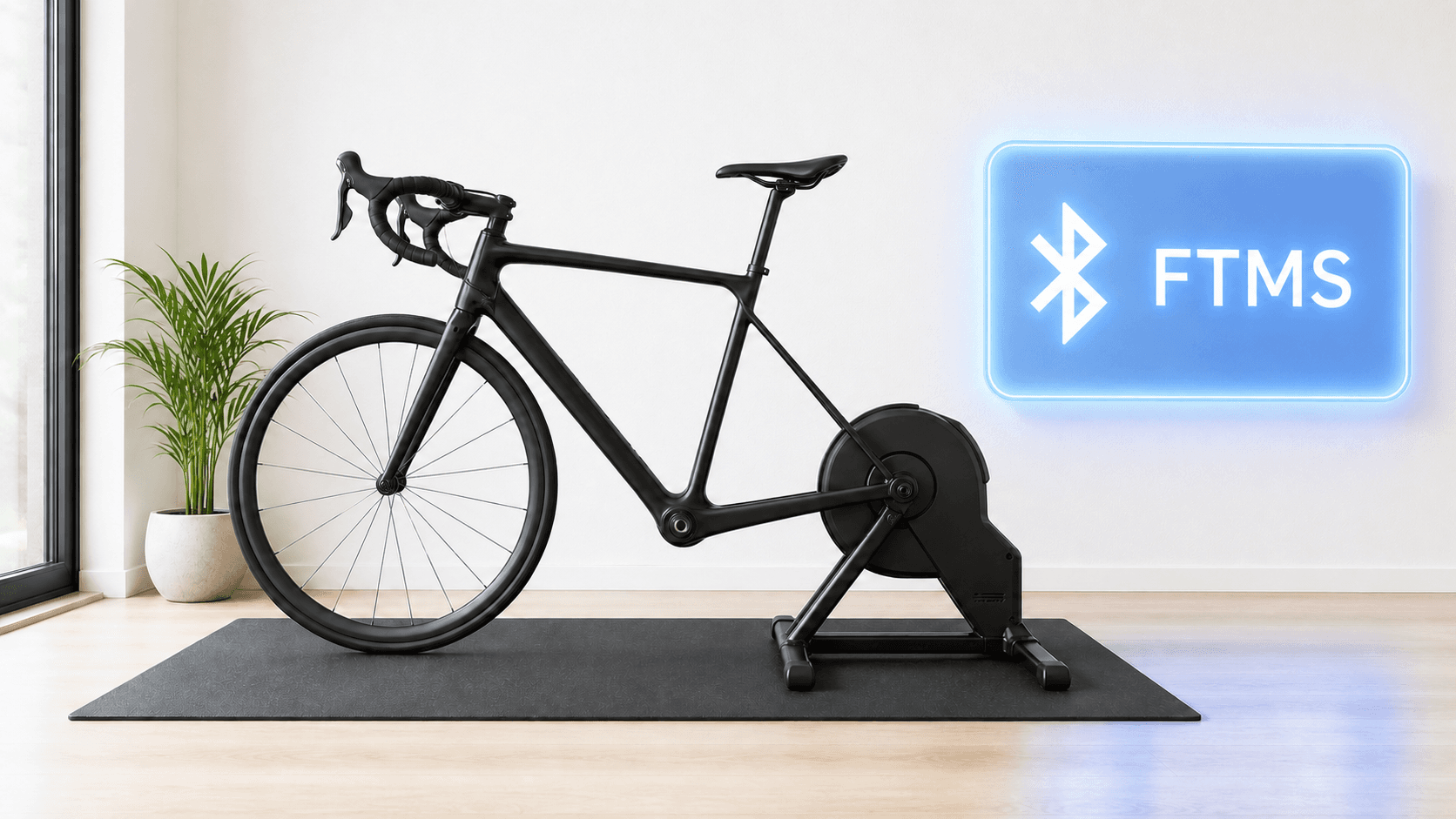
Zwift Cog looks like a cassette from a distance, but it has only one sprocket. You mount your bike on a compatible direct drive trainer, put the chain on that sprocket, and leave it there while riding.
The Cog is the physical sprocket. Virtual shifting happens when a compatible trainer and app change resistance to mimic a gear change.
What do Cog and Click each do?
The Cog is the part your chain rides on. It replaces the stack of sprockets on a normal trainer cassette. The Click is the wireless controller that sends gear changes in Zwift and, on compatible hardware, ROUVY. Zwift also supports virtual shifting with other compatible controllers.
When you press a supported shift control, the bike's rear derailleur does not move to another cog. The app asks the trainer for a different resistance level, so pedaling feels like you chose a different gear. Zwift lists 24 virtual gears. This is why a single sprocket can cover a broad range of efforts without mechanical rear shifts.
| Part | Job | What it does not prove |
|---|---|---|
| Zwift Cog | Gives the bike one sprocket on the trainer | That your frame or axle fits the trainer |
| Zwift Click | Sends shift commands in supported apps | That every app accepts its buttons |
| Compatible smart trainer | Changes resistance and reports ride data | That every Cog version fits its freehub |
| Riding app | Sets virtual gears or workout targets | That its shifting works like Zwift's system |
- Part
- Zwift Cog
- Job
- Gives the bike one sprocket on the trainer
- What it does not prove
- That your frame or axle fits the trainer
- Part
- Zwift Click
- Job
- Sends shift commands in supported apps
- What it does not prove
- That every app accepts its buttons
- Part
- Compatible smart trainer
- Job
- Changes resistance and reports ride data
- What it does not prove
- That every Cog version fits its freehub
- Part
- Riding app
- Job
- Sets virtual gears or workout targets
- What it does not prove
- That its shifting works like Zwift's system
Why choose a single Cog?
A Cog can make sharing a trainer between bikes with different cassette speeds easier, provided each bike and the trainer are compatible. It also avoids mechanical shifting noise during virtual gear changes. It does not remove the need to check chain, frame and axle fit.
Zwift Cog v2 has built-in indexing to help line up the chain and reduce noise. Zwift's FAQ identifies v1 as black and v2 as orange. A noisy chain still calls for a setup check, not a harder interval.
The trade-off is app behavior. A conventional cassette lets your bike's own shifters change mechanical gears in a wide range of riding apps. A single Cog needs an app-specific way to change effective gearing during a simulated route ride. In an ERG workout, the app controls the target resistance, so gear changes usually matter less.
Does Zwift Cog work outside Zwift?
The physical Cog can stay on a compatible trainer. Zwift says Cog and Click virtual shifting also works in ROUVY on compatible hardware. Do not infer from that that Click buttons work in every app.
MINI WATT's routes page says its own Virtual Gears mode works with Zwift Cog, and it offers a separate physical-shifting mode. Its published page does not say Zwift Click buttons control MINI WATT, so check the current in-app controls before relying on Click. MINI WATT also requires a compatible Bluetooth FTMS smart trainer for trainer control.
If you want to ride Zwift races or group rides, use Zwift. If you want focused workouts and real routes on a Mac or Windows PC, MINI WATT may suit the same trainer with a different ride experience.
Will it fit your bike and trainer?
Zwift says Cog works with most standard 8 to 13 speed chains, including SRAM Flattop, but excludes belt drives, internal gear hubs and the Campagnolo Ekar 13-speed chain. The trainer also needs to be on Zwift's current Ready or Cog Compatible list, and the frame must fit that trainer with the correct axle adapters. Some freehub bodies are excluded from the upgrade kit.
Use the bike and trainer compatibility checklist for that purchase decision. Do not buy an upgrade based only on your bike's number of rear gears.
When MINI WATT fits
MINI WATT fits a rider with a working Bluetooth FTMS trainer who wants structured ERG workouts or real route rides. Its route mode offers Virtual Gears with Zwift Cog, which can be useful when the Cog is already on the trainer.
When MINI WATT is not the right fit
It is a poor fit if you need Zwift events, avatar racing or group rides. Do not assume MINI WATT will pair your Zwift Click buttons, because its public feature page does not make that claim.
Action plan: Understand your Cog setup in 4 steps
- 1
Identify whether your trainer has Cog v1, Cog v2 or a normal cassette.
- 2
Check the exact trainer model against Zwift's current compatibility list.
- 3
Check your bike's chain, frame, axle and freehub before buying an upgrade.
- 4
Choose the app and shifting method, then test a gentle ride before a hard session.
Common mistakes
Treating Cog and Click as the same device
Cog is mechanical; Click is a wireless controller.
Assuming one sprocket means any bike fits
Check chain, frame, axle and trainer together.
Treating every app's virtual gears as identical
Each app defines its own control method.
Expecting rear shifters to move virtual gears
The chain normally stays on the Cog.
Ignoring drivetrain noise
Check alignment and installation before riding harder.
Confusing ERG with virtual shifting
ERG holds a workout target; virtual gears change the feel of free riding.
FAQ
Is Zwift Cog a cassette?
It replaces a trainer cassette but uses one sprocket rather than a stack of selectable cogs.
What does Zwift Click do?
It is a wireless handlebar controller for gear changes in supported virtual-shifting setups.
Does the chain move when I shift virtually?
No. The chain stays on the Cog while the compatible trainer changes resistance.
How many virtual gears does Zwift have?
Zwift's current virtual-shifting FAQ lists 24.
Can I use Zwift Cog without Zwift Click?
Yes, as a physical sprocket. How you change effective gearing depends on the app and its supported controls.
Can I use Zwift Cog with ROUVY?
Zwift says Cog and Click virtual shifting works in ROUVY on compatible hardware. Check ROUVY's current setup guidance.
Can I use Zwift Cog with MINI WATT?
MINI WATT's routes page says its own Virtual Gears mode supports Zwift Cog with a compatible trainer.
Does Zwift Click control MINI WATT?
MINI WATT's published routes page does not claim Click button support. Do not assume it pairs.
What is the difference between Cog v1 and v2?
Zwift says v2 adds built-in indexing for chain alignment. Its FAQ identifies v1 as black and v2 as orange.
Does Cog make every bike compatible with a direct drive trainer?
No. Chain, trainer, axle and frame fit still need checking.
Sources
- Zwift Cog and Click FAQ, accessed 2026-09-29
- Zwift Virtual Shifting FAQ, accessed 2026-09-29
- Zwift Ready and Zwift Cog Compatible Trainers, accessed 2026-09-29
- MINI WATT Routes, accessed 2026-09-29
- MINI WATT Download, accessed 2026-09-29
Related Articles
Best Budget Indoor Trainers For Structured Workouts
A practical buyer guide comparing Van Rysel D100, JetBlack Victory, Van Rysel D500, CYCPLUS R200, and Wahoo KICKR CORE 2 for structured workouts.
Bluetooth FTMS Explained: Will Your Smart Trainer Work With MINI WATT?
A plain-language Bluetooth FTMS explainer that separates a Bluetooth label from confirmed trainer control and gives riders a short MINI WATT compatibility check.
Will Zwift Cog Work on My Bike? Check Chain, Trainer and Axle
Bike, trainer, chain, freehub, axle and frame compatibility checklist.