
Indoor Cycling Apps for Watching Netflix While You Ride
Choose an indoor cycling app that keeps trainer control and workout targets visible while you watch Netflix or other content.
Published
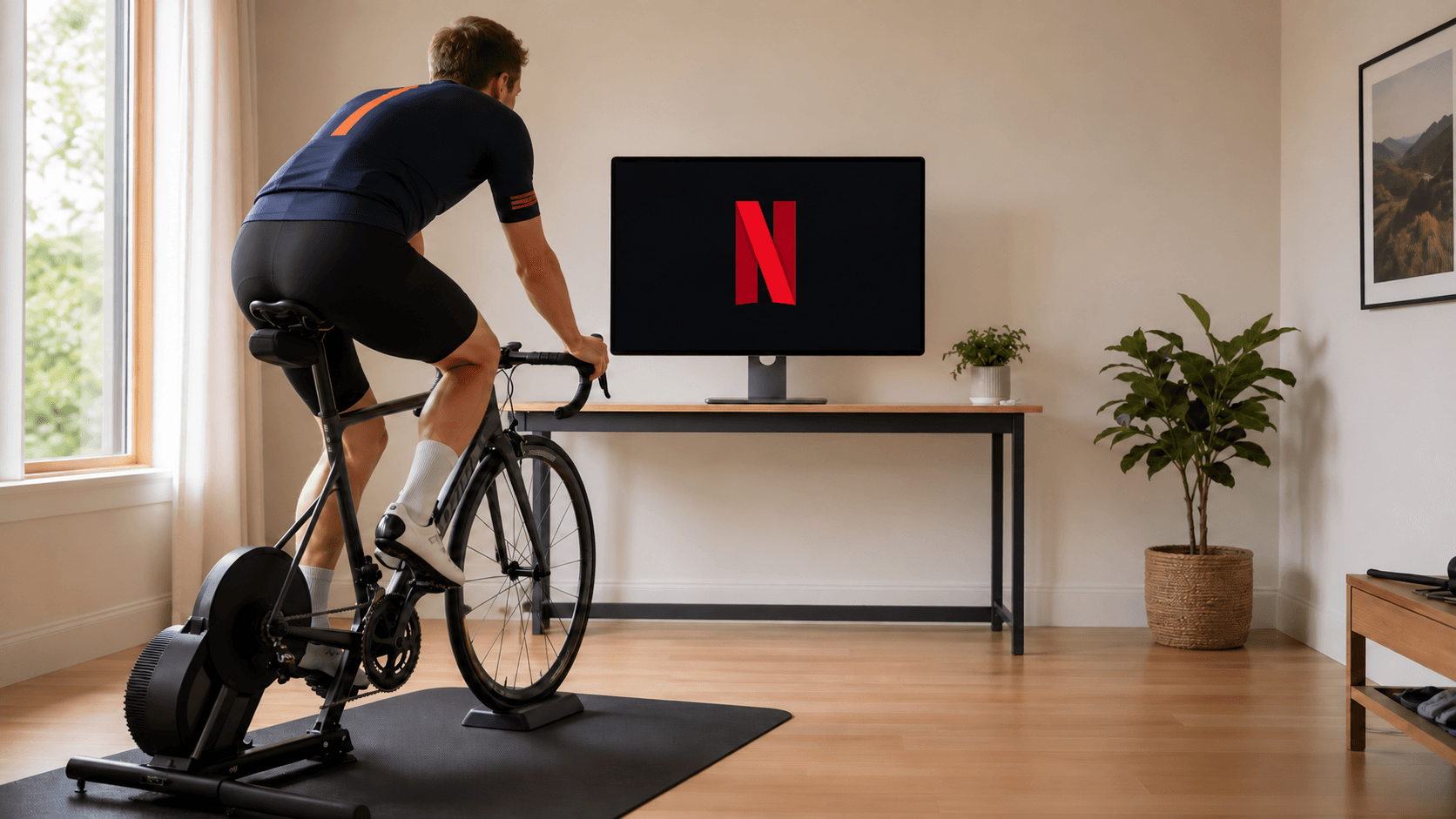
Watching Netflix while cycling is mainly a screen and control problem. The app must keep the important numbers visible, send the right resistance to the trainer, and stay quiet when the workout is already clear. A large virtual world can be enjoyable, but it is not automatically the best choice for a steady interval session.
The direct answer
| What you want to do | App style to look for | Main trade-off |
|---|---|---|
| Watch a film during intervals | Compact workout view or floating bar | Less immersive than a virtual world |
| Watch content during an easy ride | Basic trainer control with a small data window | You may need to manage resistance yourself |
| Follow a plan with minimal decisions | Coaching-first app | More planning features and subscription cost |
| Watch roads instead of a show | Filmed route app | The route video owns most of the screen |
| Ride while checking another monitor | Any app with stable trainer control | Two screens add setup and desk space |
- What you want to do
- Watch a film during intervals
- App style to look for
- Compact workout view or floating bar
- Main trade-off
- Less immersive than a virtual world
- What you want to do
- Watch content during an easy ride
- App style to look for
- Basic trainer control with a small data window
- Main trade-off
- You may need to manage resistance yourself
- What you want to do
- Follow a plan with minimal decisions
- App style to look for
- Coaching-first app
- Main trade-off
- More planning features and subscription cost
- What you want to do
- Watch roads instead of a show
- App style to look for
- Filmed route app
- Main trade-off
- The route video owns most of the screen
- What you want to do
- Ride while checking another monitor
- App style to look for
- Any app with stable trainer control
- Main trade-off
- Two screens add setup and desk space
When MINI WATT fits
MINI WATT is designed for riders who want structured ERG workouts and real GPX route riding without turning the desktop into a virtual world. Its floating workout bar can keep the current target, route status, interval preview and controls available while another window uses the main screen. The current download page lists macOS and 64-bit Windows installers, Bluetooth FTMS smart trainer support, and a 14-day trial followed by $1.99/month plus applicable tax for new customers.
The trade-off is clear. MINI WATT is a focused desktop app with a smaller community. It is not the right choice if your motivation depends on large group rides, avatar progression or an adaptive plan that chooses every next session.
Set up the screen before you ride
Connect the trainer and sensors first. Put the workout bar where you can read it without turning your head. Start the video only after the trainer shows the correct power or route state. For an interval session, keep a short view of power, cadence and time visible. For an easy endurance ride, a smaller view may be enough.
Do not judge the setup from a recovery spin. Test it during one hard interval session. A good arrangement lets you see the target before an interval starts and pause the workout without hunting through windows.
When another app is a better fit
TrainerRoad is the better category when adaptive plans, recommendations and training analysis matter more than the show. Zwift is the better category when social riding and events get you on the bike. ROUVY is the better category when a filmed road is more motivating than Netflix. MyWhoosh is worth considering when free virtual-world riding is the priority.
Action plan: test an app with one real ride
- 1
Choose a 30 to 45 minute workout you already understand.
- 2
Connect the trainer, power source and heart-rate sensor before opening the video.
- 3
Keep target power, remaining interval time and pause controls visible.
- 4
Try one hard interval and one recovery interval before deciding.
Common mistakes
Hiding every number behind the video window.
Assuming a virtual world is required for ERG control.
Testing only an easy ride.
Forgetting to check whether the app controls your trainer protocol.
Treating a free trial as proof that the long-term workflow fits.
FAQ
Can I watch Netflix while using an indoor cycling app?
Yes, if the app keeps trainer control and the essential workout data visible in a separate or compact view.
Is MINI WATT suitable for watching Netflix?
It is designed for low-clutter desktop training and includes a floating workout bar for structured sessions.
Does Zwift work while watching Netflix?
It can be used with another window, but its virtual world and social features are the main experience.
Is TrainerRoad good for watching videos?
TrainerRoad is built around structured training and planning, so it can suit riders who want the workout to remain the main task.
Do I need ERG mode to watch Netflix?
No, but ERG mode reduces the need to adjust resistance during a structured workout.
What should stay visible during an interval?
Keep target power, current power, time remaining and pause controls visible.
Can a smart trainer change resistance while another app is open?
Yes, when the training app remains connected and the trainer supports the control protocol required by that app.
Is a second monitor necessary?
No. A second monitor is optional. A compact workout view can be enough.
Is a floating workout bar the same as a Netflix integration?
No. It is a small control and data view that can sit over another window.
What should I test before paying?
Test the trainer connection, a hard interval, pause and resume behavior, and whether the screen stays readable beside your video.
Sources
- MINI WATT homepage, accessed 2026-09-29
- MINI WATT download page, accessed 2026-09-29
- TrainerRoad pricing and features, accessed 2026-09-29
Related Articles
Best Indoor Cycling Apps for Structured Workouts
A practical comparison for riders who mostly care about power-based workouts, ERG mode, real routes, and simple setup.
A Low-Cost Zwift Alternative for Structured Workouts Without a Virtual World
A dated, source-backed app-type guide for budget riders that compares MINI WATT's focused workout fit with free virtual-world riding.
Best Zwift Alternatives for Structured Training, Routes and Virtual Riding
The main category buyer guide for choosing virtual worlds, filmed routes, coaching, broad workout libraries, or focused workouts and GPX routes.