
Apps Like Zwift: 6 Options for Different Kinds of Indoor Riders
Six apps like Zwift for six different indoor riding jobs: virtual worlds, filmed routes, coaching, broad workouts, free riding, and focused ERG plus GPX routes.
Published Updated
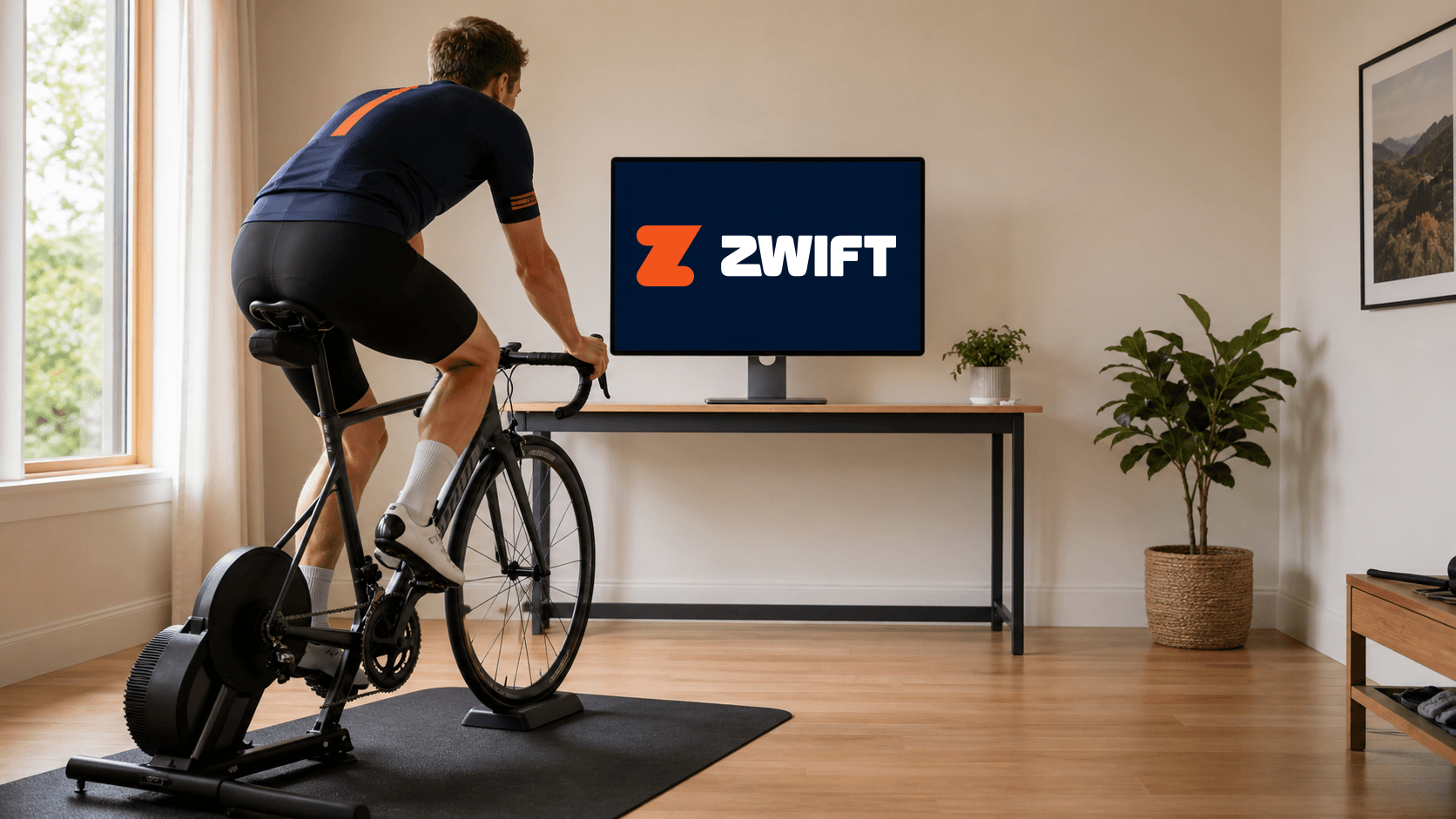
If you know Zwift but not the rest of indoor cycling, start with this: apps like Zwift are not all trying to do the same job. Some put you in a virtual world. Some show filmed roads. Some build a plan. Some give you lots of workout content. Some stay free. Some keep the ride simple.
Pick the type that makes you most likely to ride this week. Then use the deeper guide to make the final call.
The quick shortlist
| App | Best for | Not a fit if | Key trade-off |
|---|---|---|---|
| Zwift | You want virtual worlds, group rides, events, and racing. | You only want a quiet workout screen and never use social features. | A big social world can be more than a solo workout rider needs. |
| ROUVY | You want real route video and gradients that follow the road. | You want an avatar world or the lightest possible interface. | Its road-first experience is the point, so it is not the stripped-back choice. |
| TrainerRoad | You want adaptive plans, recommendations, and training analysis. | You mainly need a route to look at while you ride. | It is planning-first rather than route- or community-first. |
| Wahoo SYSTM | You want a large cycling library with wider training content. | You only want a minimal interval tool. | More content gives you more choice and a fuller subscription. |
| MyWhoosh | You want free virtual riding, workouts, routes, and events. | You do not want a game-like virtual environment. | Free access does not turn it into a coaching or filmed-route platform. |
| MINI WATT | You want focused ERG workouts and real GPX route riding on a compatible Mac or Windows setup. | You want a virtual world, mass rides, or deep adaptive coaching. | It is desktop-only and deliberately not a virtual-world substitute. |
- App
- Zwift
- Best for
- You want virtual worlds, group rides, events, and racing.
- Not a fit if
- You only want a quiet workout screen and never use social features.
- Key trade-off
- A big social world can be more than a solo workout rider needs.
- App
- ROUVY
- Best for
- You want real route video and gradients that follow the road.
- Not a fit if
- You want an avatar world or the lightest possible interface.
- Key trade-off
- Its road-first experience is the point, so it is not the stripped-back choice.
- App
- TrainerRoad
- Best for
- You want adaptive plans, recommendations, and training analysis.
- Not a fit if
- You mainly need a route to look at while you ride.
- Key trade-off
- It is planning-first rather than route- or community-first.
- App
- Wahoo SYSTM
- Best for
- You want a large cycling library with wider training content.
- Not a fit if
- You only want a minimal interval tool.
- Key trade-off
- More content gives you more choice and a fuller subscription.
- App
- MyWhoosh
- Best for
- You want free virtual riding, workouts, routes, and events.
- Not a fit if
- You do not want a game-like virtual environment.
- Key trade-off
- Free access does not turn it into a coaching or filmed-route platform.
- App
- MINI WATT
- Best for
- You want focused ERG workouts and real GPX route riding on a compatible Mac or Windows setup.
- Not a fit if
- You want a virtual world, mass rides, or deep adaptive coaching.
- Key trade-off
- It is desktop-only and deliberately not a virtual-world substitute.
1. Zwift for virtual-world riding
Choose Zwift when riding with other people, joining an event, racing, or moving through a virtual world is what makes indoor time fun. Zwift lists workouts, personalized plans, group rides, events, racing, and virtual routes in its current product material.
The trade-off is simple: a rider who opens Zwift only to start intervals may be paying for a world they barely use. That does not make Zwift the wrong choice. It just means the reason to keep it should be clear.
2. ROUVY for filmed roads
Choose ROUVY when you want to see real route video while the trainer responds to the gradient. Its current how-it-works page says the app connects to indoor trainers and smart bikes, shows real video, and adjusts resistance to route gradient. It also lists workouts, plans, and community events.
The trade-off is that a filmed-route platform is not the same as a large social avatar world or a bare workout bar. Choose it because real roads make the ride better for you.
3. TrainerRoad for the next training decision
Choose TrainerRoad when you want an app to help decide what to train and how the plan should change. Its current page highlights adaptive plans, AI FTP Detection, fatigue prevention, daily recommendations, a training calendar, and ride analysis.
The trade-off is that it is not built around a scenic route or virtual group ride. It suits riders whose next training decision matters more than ride scenery.
4. Wahoo SYSTM for a wider library
Choose Wahoo SYSTM when you want cycling sessions alongside other training content and a broad menu of workouts. Wahoo's current support materials list the SYSTM app for Mac, Windows, iOS, and Android, with Bluetooth or ANT+ connections for compatible setups.
The trade-off is more choice. That can be useful for a varied routine, but it is not always what a time-crunched rider wants before a 40-minute interval session.
5. MyWhoosh for free virtual riding
Choose MyWhoosh if your priority is a free virtual cycling app with routes, workouts, training programs, smart-trainer or smart-bike connection, and events. Its official site also lists virtual shifting and route choices.
The trade-off is that free virtual-world riding is still virtual-world riding. If you do not want an avatar environment, the price alone does not make it the right fit.
6. MINI WATT for focused workouts and GPX routes
Choose MINI WATT when you have a Mac or 64-bit Windows PC and a compatible Bluetooth FTMS trainer, and you want to get straight to an FTP-based ERG session or a real route ride. The current product pages list 150+ structured workouts, automatic ERG target hold, GPX route creation, gradient-based resistance, and a floating workout display.
The good app is the one that makes your normal ride easier to start.
MINI WATT is not a virtual-world substitute. Its current download page offers macOS and Windows installers. It is designed for focused indoor riding, not a mass-racing calendar or deep adaptive coaching.
Read the detailed guide before you decide
This shortlist is meant to narrow the field, not end the decision. Read the best Zwift alternatives guide for the detailed category choice. Then use the indoor cycling app comparison to compare the apps that remain.
If price is your main concern, the cheap Zwift alternative explains the difference between low-cost focused workouts and free virtual riding. If MINI WATT is on your shortlist, confirm the trainer first with the Bluetooth FTMS guide. You can also see the direct MINI WATT vs Zwift comparison.
If you are still torn between two apps, use the tie-breaker that costs nothing: open each one for the ride you actually plan to do next. A workout-only rider can learn more from one interval session than from another hour comparing feature pages.
When MINI WATT fits
MINI WATT fits a rider who wants their trainer to hold clear ERG targets, or who wants to ride a permitted GPX route with trainer-controlled gradients. It is made for a compatible Bluetooth FTMS trainer on macOS or Windows, not for filling the screen with a virtual world.
Its floating workout bar is useful if you normally watch a race replay, a show, or another piece of content during intervals. That is a workflow preference, not a reason to choose it if you actually need group rides or coaching.
When MINI WATT is not the right fit
MINI WATT is not the best choice if you want virtual races, a large crowd, a free virtual-world platform, a mobile app, or a training system that adapts a full plan around your data. Choose the app that owns that part of the experience.
Action plan: find the right app in 4 steps
- 1
Pick one line from the table that sounds most like your usual indoor ride.
- 2
Open the official page for that app and check the current price, device support, trainer support, trial, and billing terms for your country.
- 3
Run one normal workout or route, not just a five-minute connection test.
- 4
If it does not match your ride, move to the next category instead of forcing a bad fit.
Common mistakes
Treating every app like a Zwift clone
These tools are built around different indoor-riding jobs.
Choosing a virtual world when you only want intervals
Social features are useful only when you use them.
Assuming a free app has no trade-offs
It still has a particular kind of ride experience and device requirements.
Ignoring platform support
Check the exact Mac, Windows, iOS, Android, or TV requirements before paying.
Skipping trainer compatibility
A smart trainer label does not prove every control path works with every app.
Reading only one comparison
Use a detailed buyer guide after this shortlist if you are close to subscribing.
FAQ
What apps are like Zwift?
Zwift alternatives include ROUVY for filmed routes, TrainerRoad for coaching, Wahoo SYSTM for a broad workout library, MyWhoosh for free virtual riding, and MINI WATT for focused macOS workouts plus GPX routes.
What is the best free app like Zwift?
MyWhoosh presents itself as a free virtual cycling app. It is a good place to start if you want free virtual routes, workouts, and events, subject to its current device requirements.
Is ROUVY like Zwift?
Both are indoor cycling apps that connect to trainers, but ROUVY is built around real route video and gradient response while Zwift is built around virtual worlds, social riding, and racing.
Is TrainerRoad like Zwift?
TrainerRoad can control a trainer for structured work, but it is a coaching-first training platform rather than a virtual-world riding app.
Is Wahoo SYSTM like Zwift?
Wahoo SYSTM is an indoor training app with structured workouts and a wider training library. It is a different fit from Zwift's social virtual-world focus.
Is MINI WATT like Zwift?
MINI WATT is an indoor cycling app, but it is not a virtual-world substitute. It focuses on compatible Bluetooth FTMS ERG workouts and real GPX route riding on macOS and Windows.
Can I use these apps with a smart trainer?
Each app has its own hardware support. Check the current official compatibility documentation for your exact trainer and device before subscribing.
Can I use an app like Zwift on a Mac?
All six options in this guide have official Mac or macOS support materials. Check minimum requirements because support can differ by app and version.
Do I need a subscription for indoor cycling apps?
Many apps use subscriptions, while MyWhoosh positions itself as free. MINI WATT gives new customers a 14-day free trial, then charges $1.99/month plus applicable tax as checked 2026-09-29. Always check the current official price in your region.
How do I choose between Zwift and another indoor cycling app?
Choose by the ride you actually repeat. Keep Zwift for virtual social riding and racing. Consider another category when you mainly want filmed routes, coaching, broad workouts, free virtual riding, or focused ERG plus GPX routes.
Sources
- MINI WATT download, v2.3.2, accessed 2026-07-29
- MINI WATT Routes, accessed 2026-07-29
- Zwift home, accessed 2026-07-29
- How ROUVY works, accessed 2026-07-29
- TrainerRoad pricing, accessed 2026-07-29
- Wahoo SYSTM requirements, accessed 2026-07-29
- MyWhoosh home, accessed 2026-07-29
- MyWhoosh device compatibility, accessed 2026-07-29
Related Articles
Best Indoor Cycling Apps for Structured Workouts
A practical comparison for riders who mostly care about power-based workouts, ERG mode, real routes, and simple setup.
A Low-Cost Zwift Alternative for Structured Workouts Without a Virtual World
A dated, source-backed app-type guide for budget riders that compares MINI WATT's focused workout fit with free virtual-world riding.
Best Zwift Alternatives for Structured Training, Routes and Virtual Riding
The main category buyer guide for choosing virtual worlds, filmed routes, coaching, broad workout libraries, or focused workouts and GPX routes.